
Your Family's Identity Shield
Stop voice clone scams, AI fakes, and vishing attacks. Verify your family's identity in seconds with safe words and personal questions only you know — real protection against modern fraud and impersonation.
Stop voice clone scams, AI fakes, and vishing attacks. Verify your family's identity in seconds with safe words and personal questions only you know — real protection against modern fraud and impersonation.
Modern scams use AI to clone voices and fake identities. ID-Firewall gives your family a fast, secure way to verify each other and stop fraud before it happens.
Scammers use AI voice clones to impersonate family members and request money or sensitive info. A quick safe-word verification stops these AI fakes cold.
Vishing (voice phishing) calls trick people into sharing personal data. Verify the caller is really family before sharing anything — protect your ID and finances.
Keep kids, parents, and grandparents safe with shared verification. One tap to confirm any family member is who they say they are.
Simple setup. Powerful fraud protection against AI voice clone scams and vishing calls. Get your family verified in minutes.
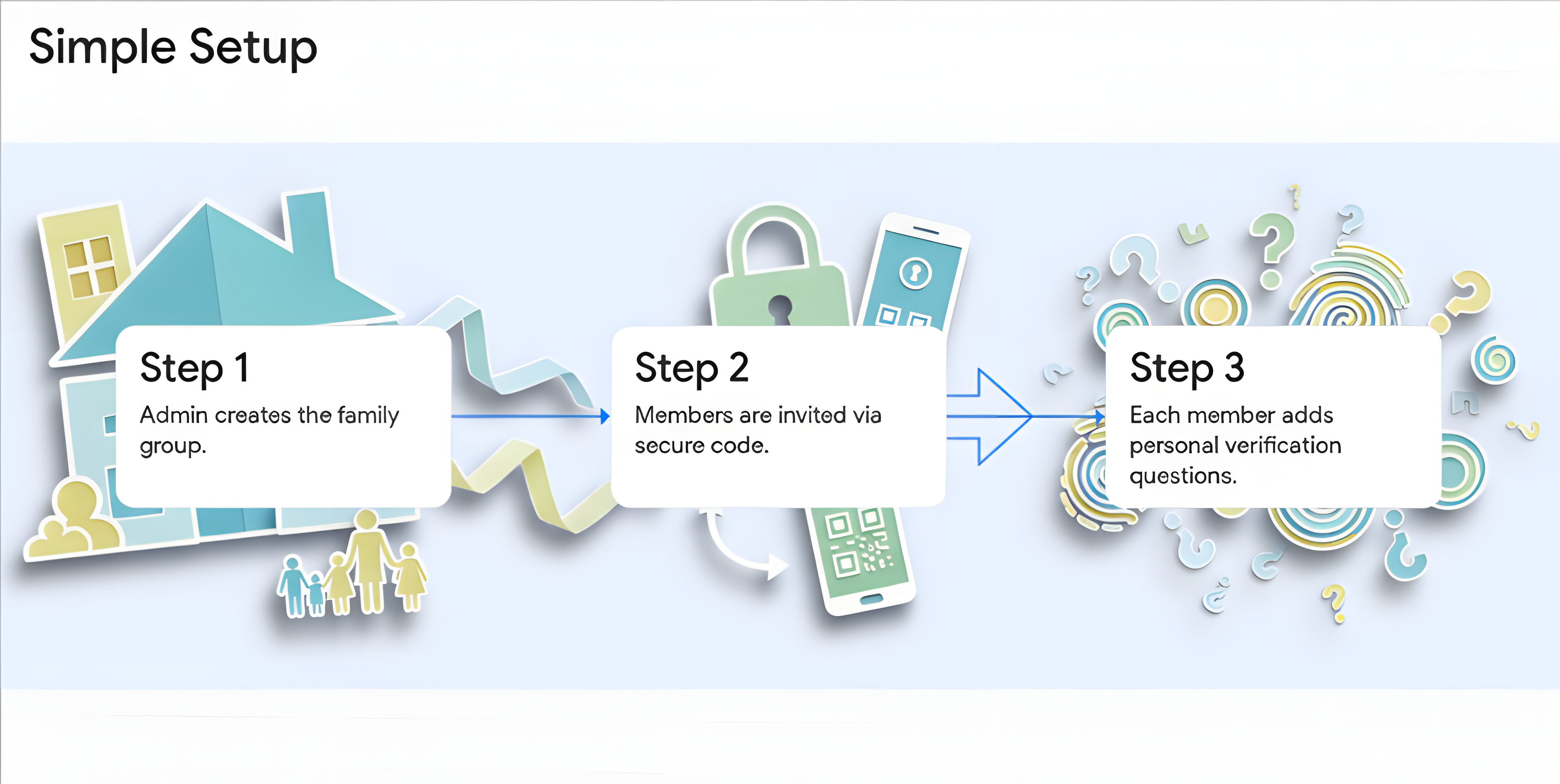
One admin sets up the group and invites family members with a unique code. Groups support up to 30 members.
Create personal questions only your family would know the answers to.
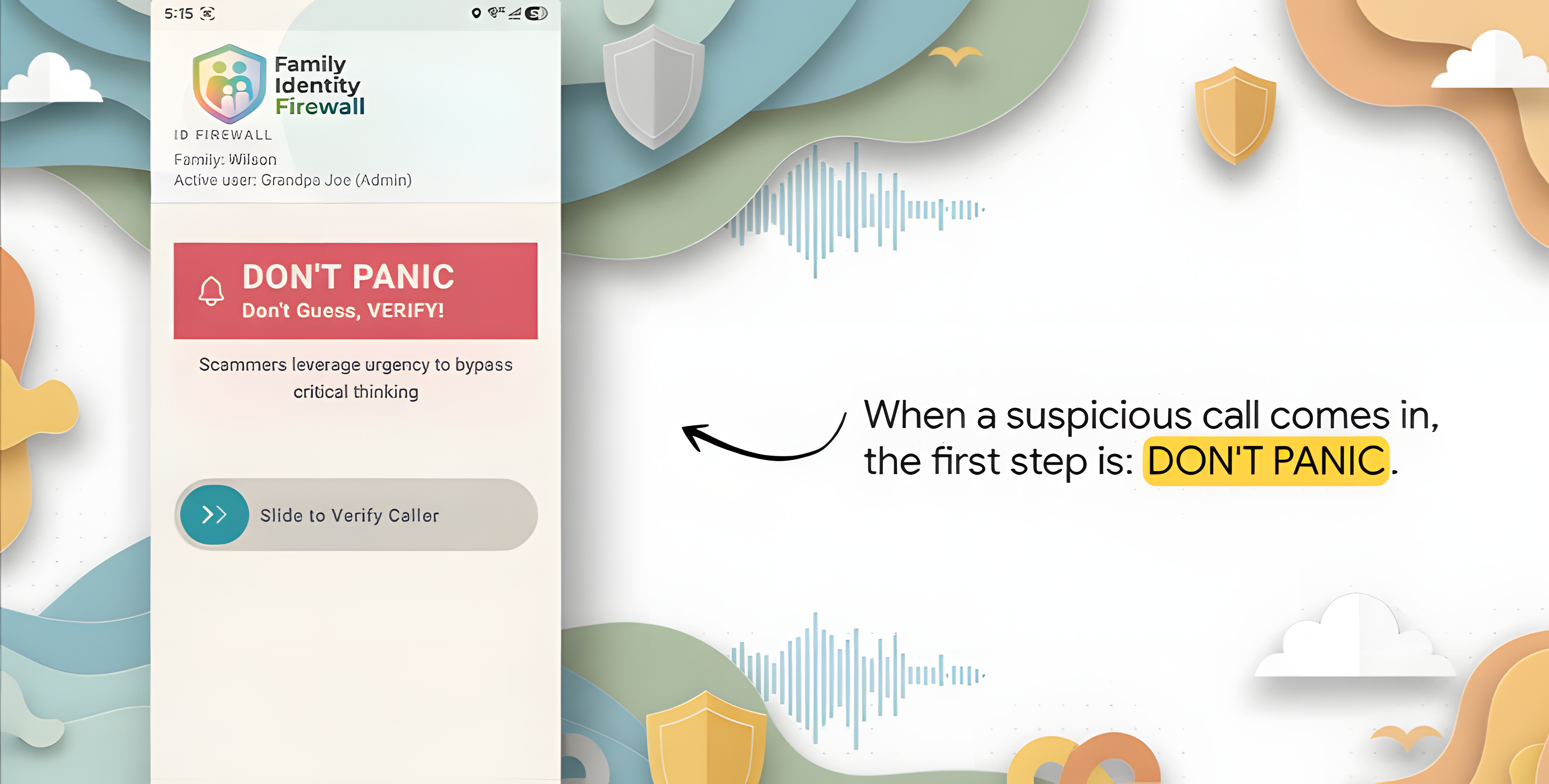
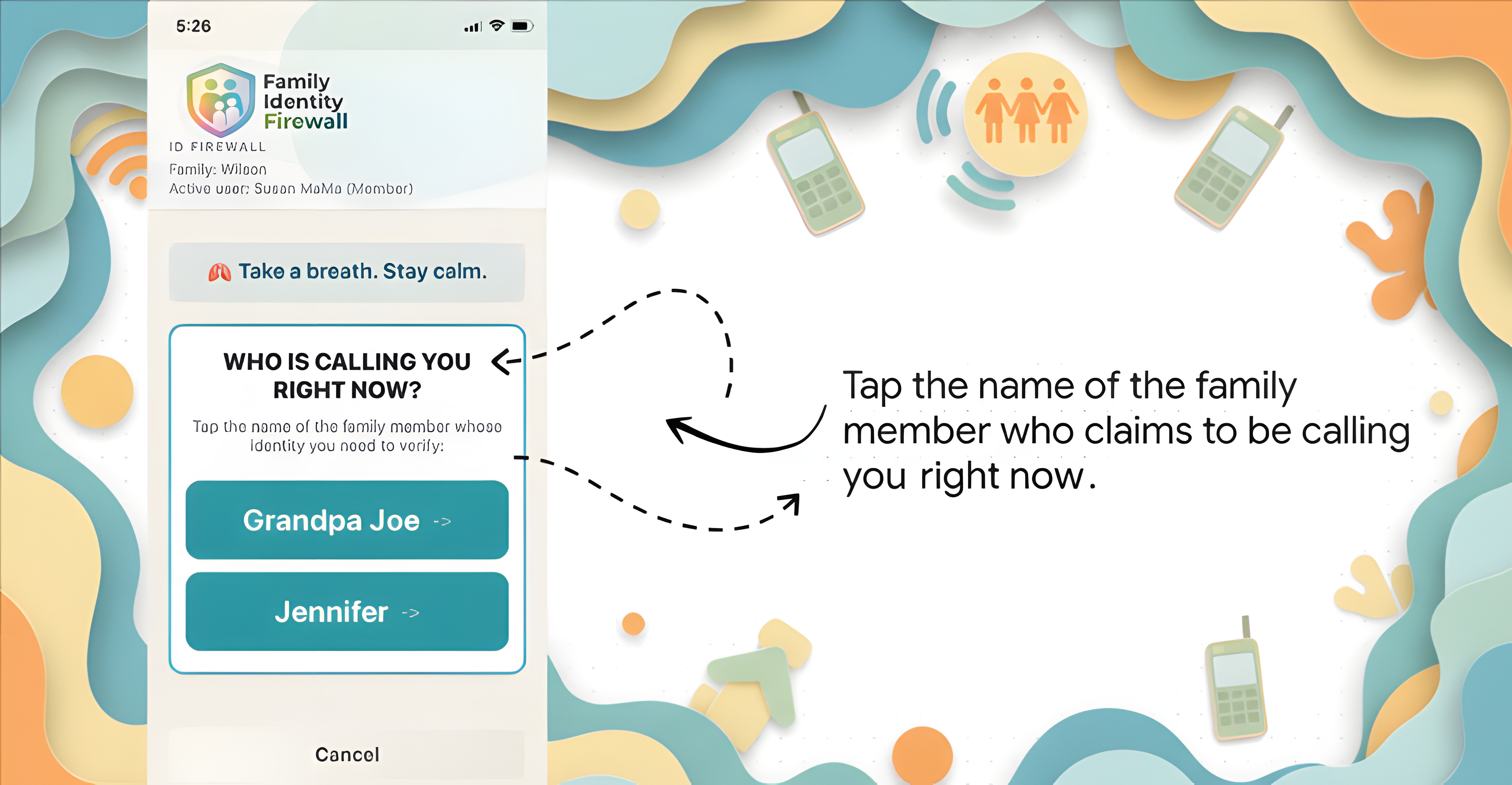
When someone calls claiming to be family, verify them in seconds.
Secure your data with Face ID, Fingerprint, or a 4-digit PIN.
Support up to 30 family members. Admin manages the group with full control.
Get notified via text when a high-risk verification is detected.
Personal verification questions that only your family can answer.
Set up in minutes. Simple invite code system for family members.
Available on both platforms. Download from App Store or Google Play.
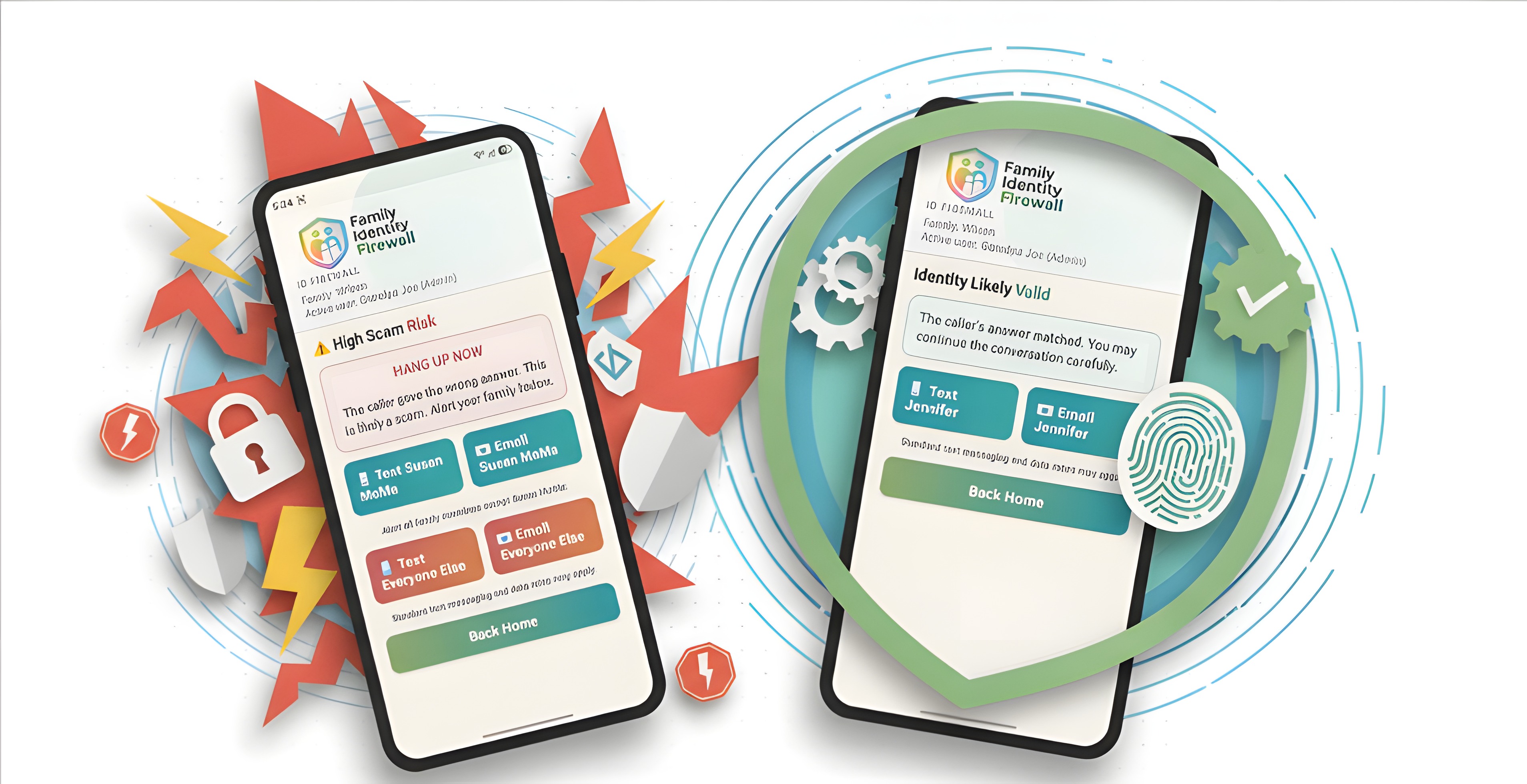
From suspicious calls to instant verification — here's how the app protects your family.
Available free for family members. Admin subscription covers everyone.